📥 Bring your favorites in
Copy photos and video clips from your memory card to your device. Keep your next edit, post or project moving while you’re away from your desk.
 Boo-tiful Big Deals
 Scream-Worthy Savings
Boo-tiful Big Deals
Scream-Worthy Savings
Boo-tiful Big Deals
Scream-Worthy Savings
Boo-tiful Big Deals
Scream-Worthy Savings
Boo-tiful Big Deals
Scream-Worthy Savings
Boo-tiful Big Deals
Scream-Worthy Savings
Boo-tiful Big Deals
Scream-Worthy Savings
Boo-tiful Big Deals
Scream-Worthy Savings
Boo-tiful Big Deals
Scream-Worthy Savings
Boo-tiful Big Deals
Scream-Worthy Savings
Boo-tiful Big Deals
Scream-Worthy Savings
Boo-tiful Big Deals
Scream-Worthy Savings
Boo-tiful Big Deals
Scream-Worthy Savings
Boo-tiful Big Deals
Scream-Worthy Savings
Boo-tiful Big Deals
Scream-Worthy Savings
Boo-tiful Big Deals
Scream-Worthy Savings

Protect your order from damage, loss, or theft during shipping.
Couldn't load pickup availability

Bring your photos and videos into your everyday workflow. Connect your memory card to a compatible phone, tablet or computer—without a Wi-Fi connection or a separate transfer app.
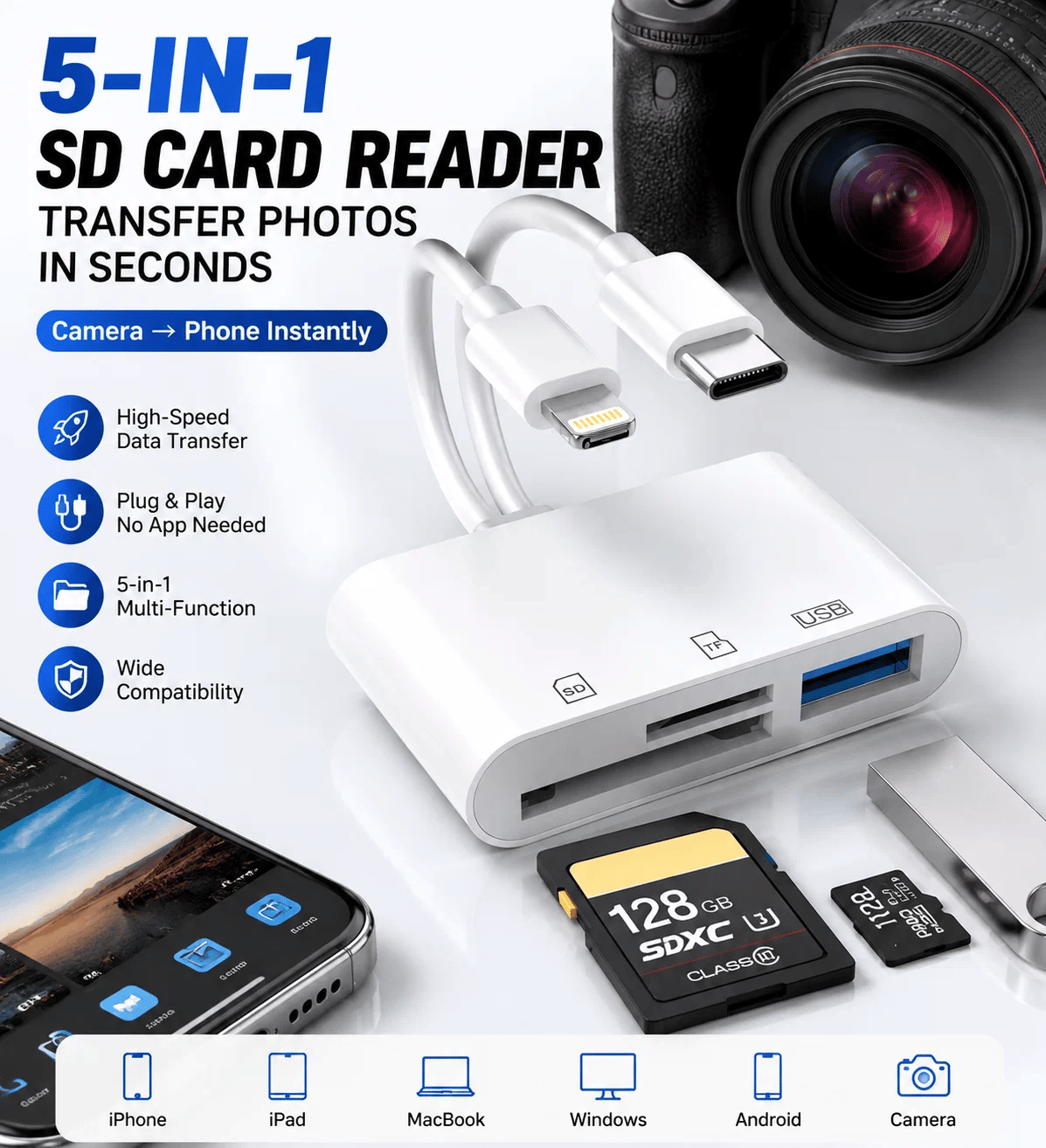
You’ve finished the shoot, but your photos are still on the card. Skip the extra trip through a laptop: connect the reader to your phone, copy your favorites, and get them ready to edit or share.
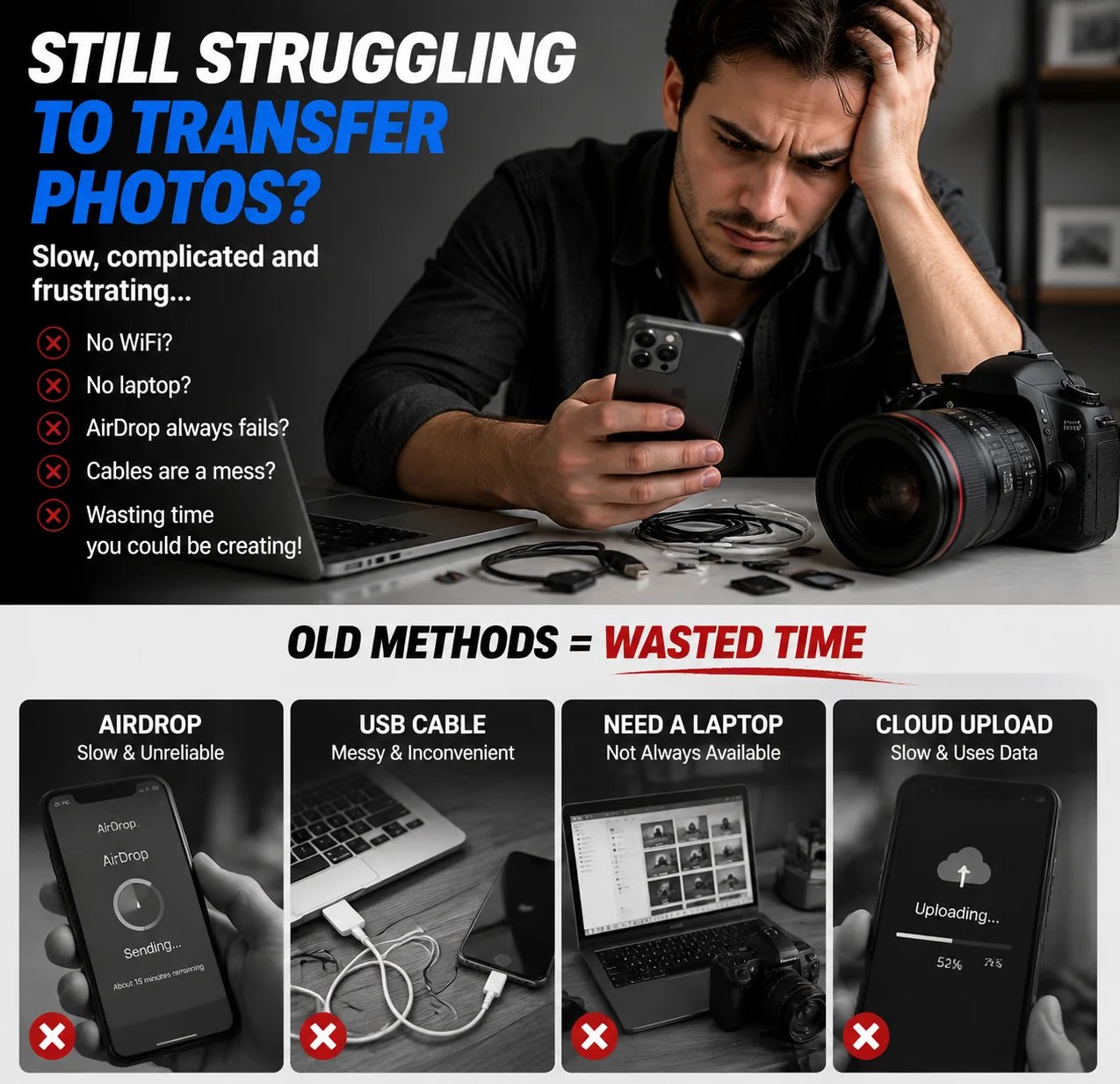
Less time moving between devices. More time working with what you created.
Copy photos and video clips from your memory card to your device. Keep your next edit, post or project moving while you’re away from your desk.
Move files from your device back to a card, too. Take selected files with you instead of relying on an internet connection to reach them.
A compact way to connect your camera roll, memory cards and USB files—at a shoot, between classes or away on a trip.
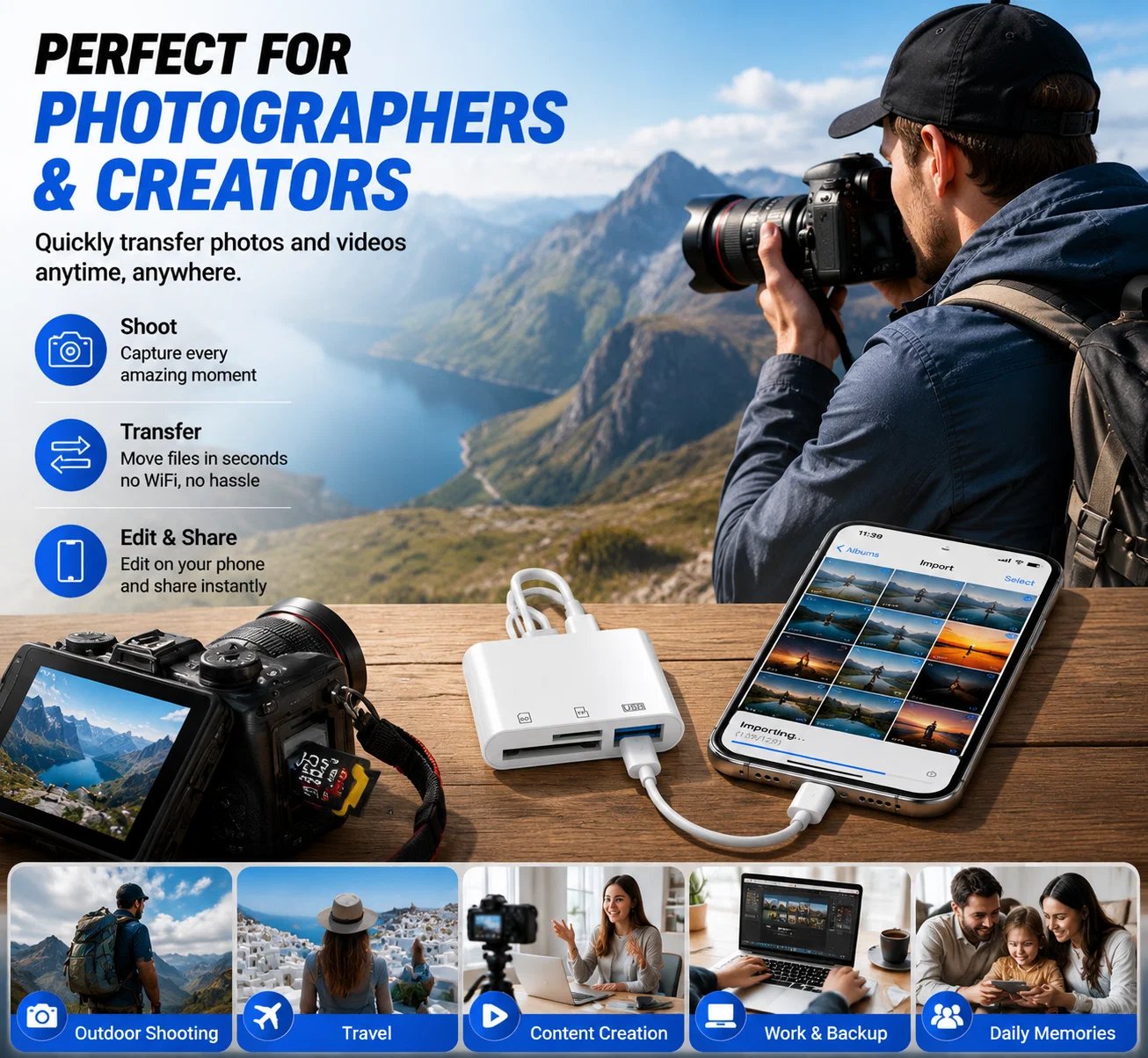
For photographers and content creators, it’s a direct route from captured moments to a phone-based workflow. Transfer your files where you are, then choose what comes next.
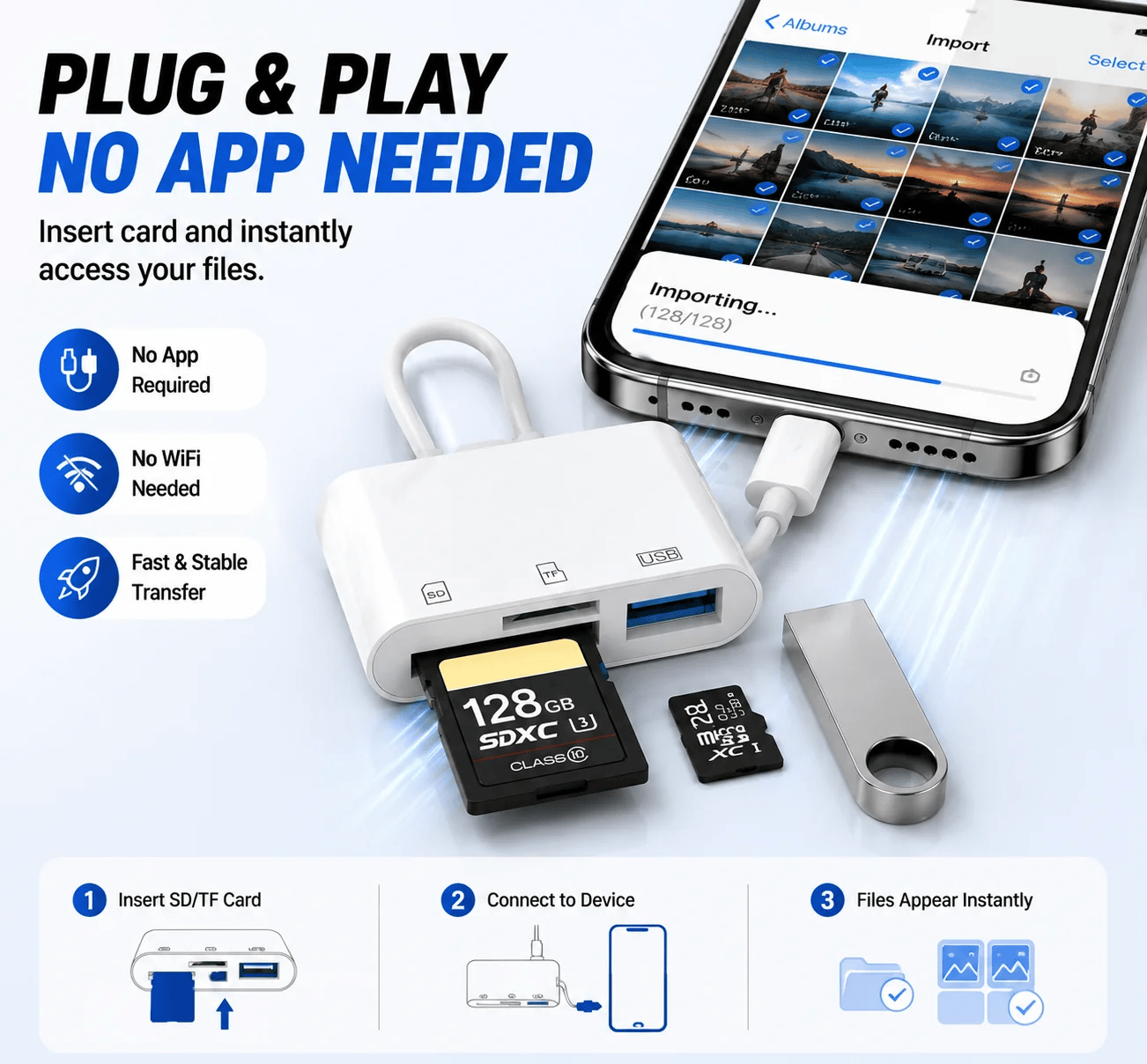
No separate transfer app, driver installation or Wi-Fi pairing. Access photos, videos and everyday documents from a memory card or USB flash drive.
See how the reader connects a memory card to a phone.
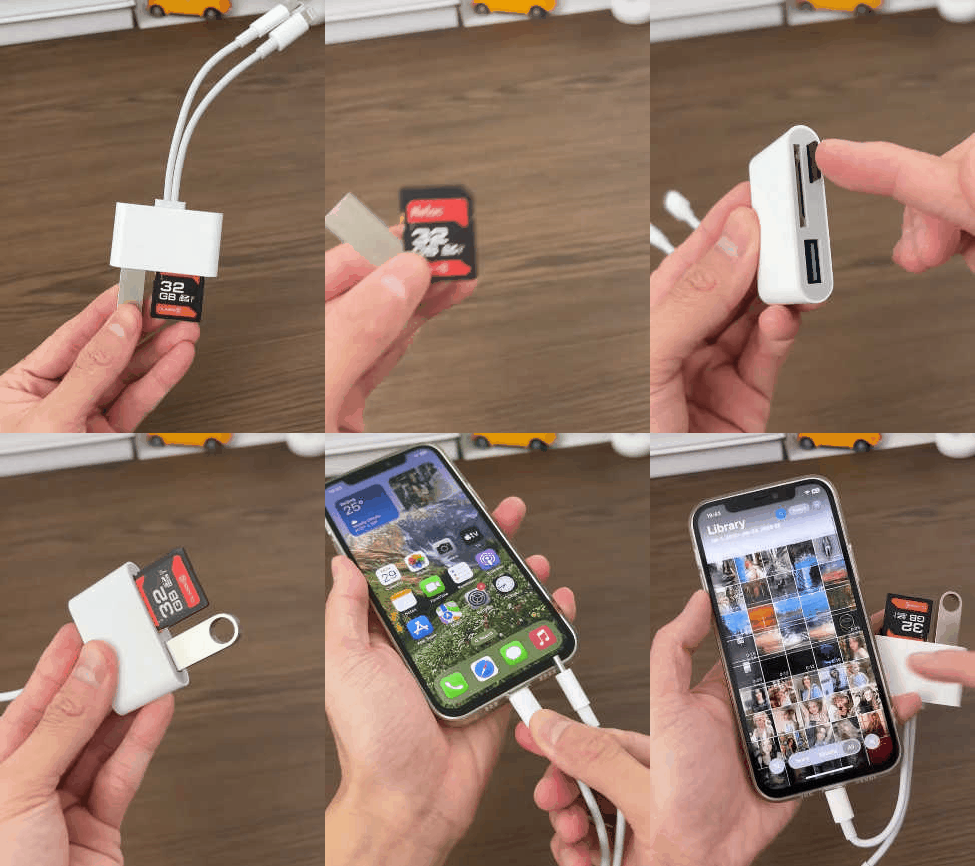
Open this panel to view the demo. Close it when you’re ready to keep reading.
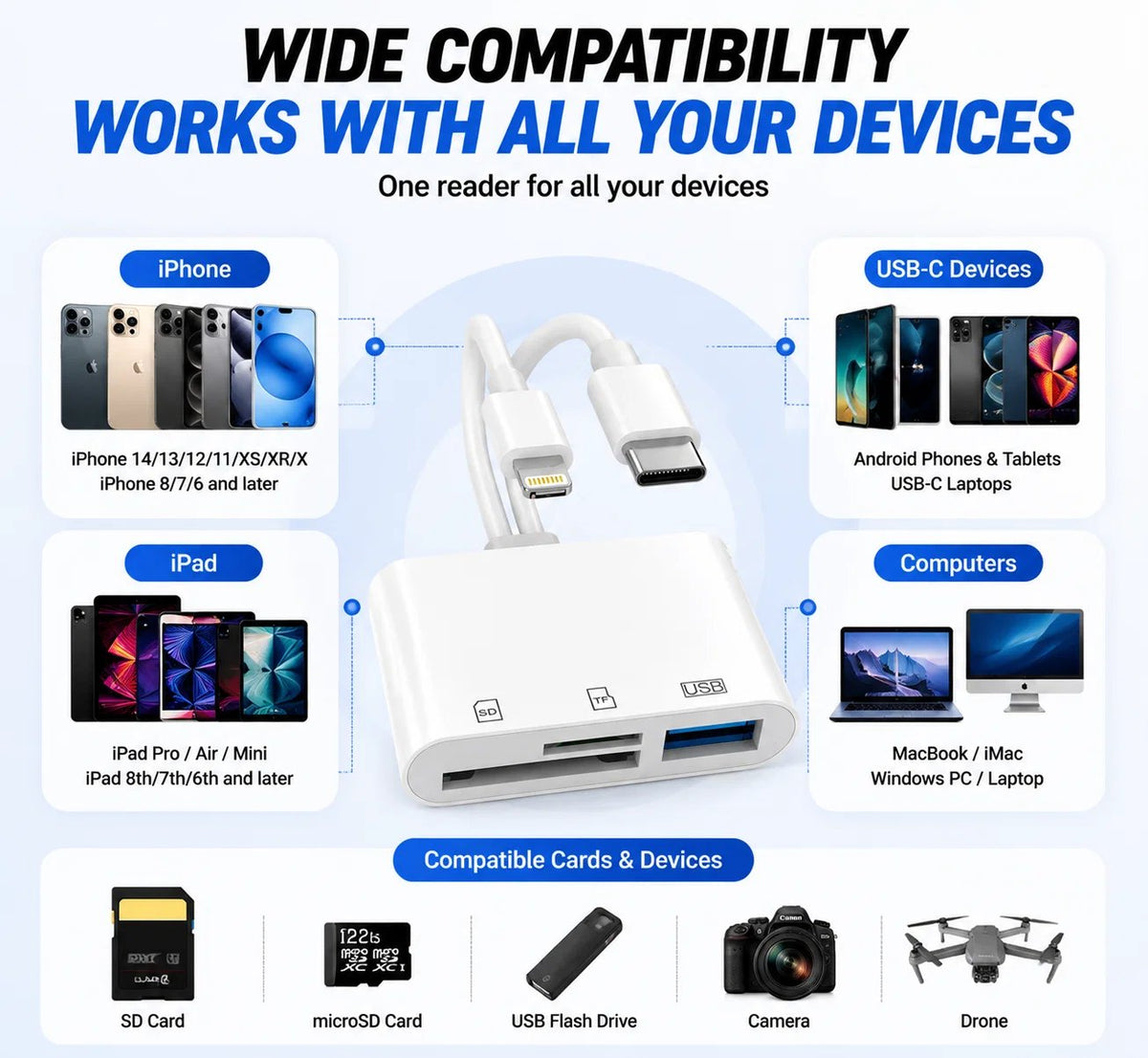
The 5-in-1 SD Card Reader brings phone, tablet and computer connections together with support for SD cards, TF cards and USB flash drives. Choose the connector that matches your device.
Storage inputs
SD card, TF / microSD card, USB flash drive
Transfer direction
Card to device and device to card
Use together
SD + USB, or TF + USB. SD and TF cannot be read at the same time.
Photo files
JPEG, PNG and GIF
Video files
H.264 and MPEG-4
Documents
Word, PowerPoint, Excel and PDF
Insert your SD or TF card into its matching slot.
Use the connector that matches your phone, tablet or computer.
Open your device’s built-in file browser or photo import view.
Select what you want to import—or copy files back to the card.
It is designed for compatible iPhone, iPad, USB-C devices and computers. Use the Lightning, USB-C or USB-A connector that matches your device.
No separate transfer app or driver is required. Connect the reader and access your files through your device’s built-in file browser or photo import view.
You can use an SD card and a USB flash drive together, or a TF card and a USB flash drive together. SD and TF cards cannot be read at the same time.
Photos including JPEG, PNG and GIF; videos including H.264 and MPEG-4; and documents including Word, PowerPoint, Excel and PDF.
Yes. It supports two-way transfer, so you can import files from a card to your device and export files from your device back to a card.
No. You can transfer files directly between your memory card and a compatible phone or tablet without Wi-Fi or a laptop.
Your camera captured it. Your phone is ready for it. Keep one compact reader in your kit and bring your files along for whatever comes next.